
Identify and record offline
Scan a VIN or enter a code against downloaded assignments. Field work is saved on the device; when connected, the operator presses Update now to send it and refresh assignments.
Explore mobile capturePort operations & finished vehicle logistics software
End-to-end operations software for ports, stevedores, bulk terminals and vehicle logistics teams. Connect consignments, people, field tally, inspections and reports in one cloud workspace—with an accessible subscription, not a large traditional TOS implementation.
Built for cargo operations and vehicle handovers. Software, not transport services.
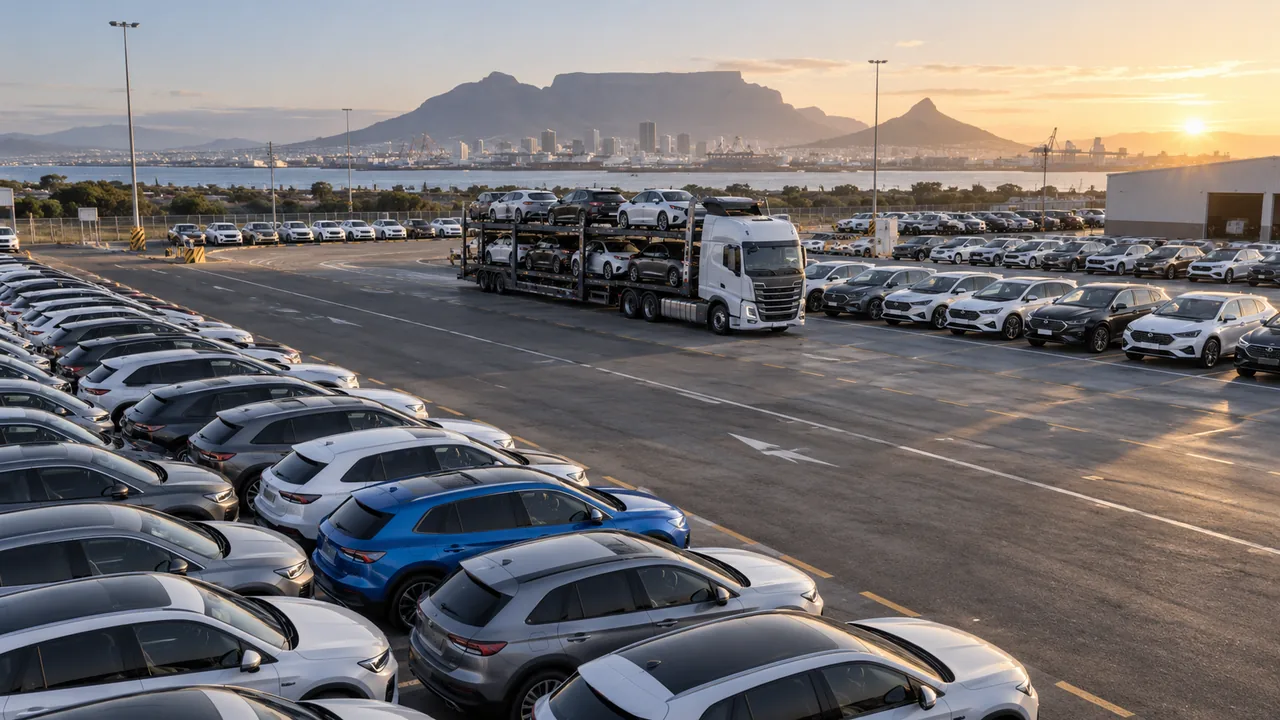
From the first check to the next handover.
Keep vehicle work connected to its evidence.
Ports · Stevedores · Bulk & breakbulk terminals
From the manifest and vessel call to assigned work, field tally, incidents and the final report: keep the whole operation connected. Your stevedoring and terminal teams belong here, alongside your vehicle logistics operation.
Looking for a lower-cost alternative to an expensive bulk terminal operating system? Start with a cloud subscription, demonstrate the work you need covered, then compare the full cost of setup, devices and integrations.
Cargo records · vessel call · configured operations
Teams · work steps · downloaded assignments
Tally · required evidence · incidents
Received progress · operational reports · controlled sharing
Bulk. Breakbulk. RoRo. A shared operational workflow, configured for the cargo and evidence your team handles.
VIN identity connected to the assigned work.
Checks, photos and signatures in the record.
Received field work ready for review and reports.
Finished vehicle logistics · Follow the record
For transporters, yards, dealers, fleets, remarketers and RoRo terminals: choose a step to see how field evidence becomes a useful handover record.
01 / Identify
Scan a VIN or enter its code against downloaded work. Keep the vehicle identity connected to its consignment and configured operation.
See it with your workflowA demonstration identifier, not a real VIN.
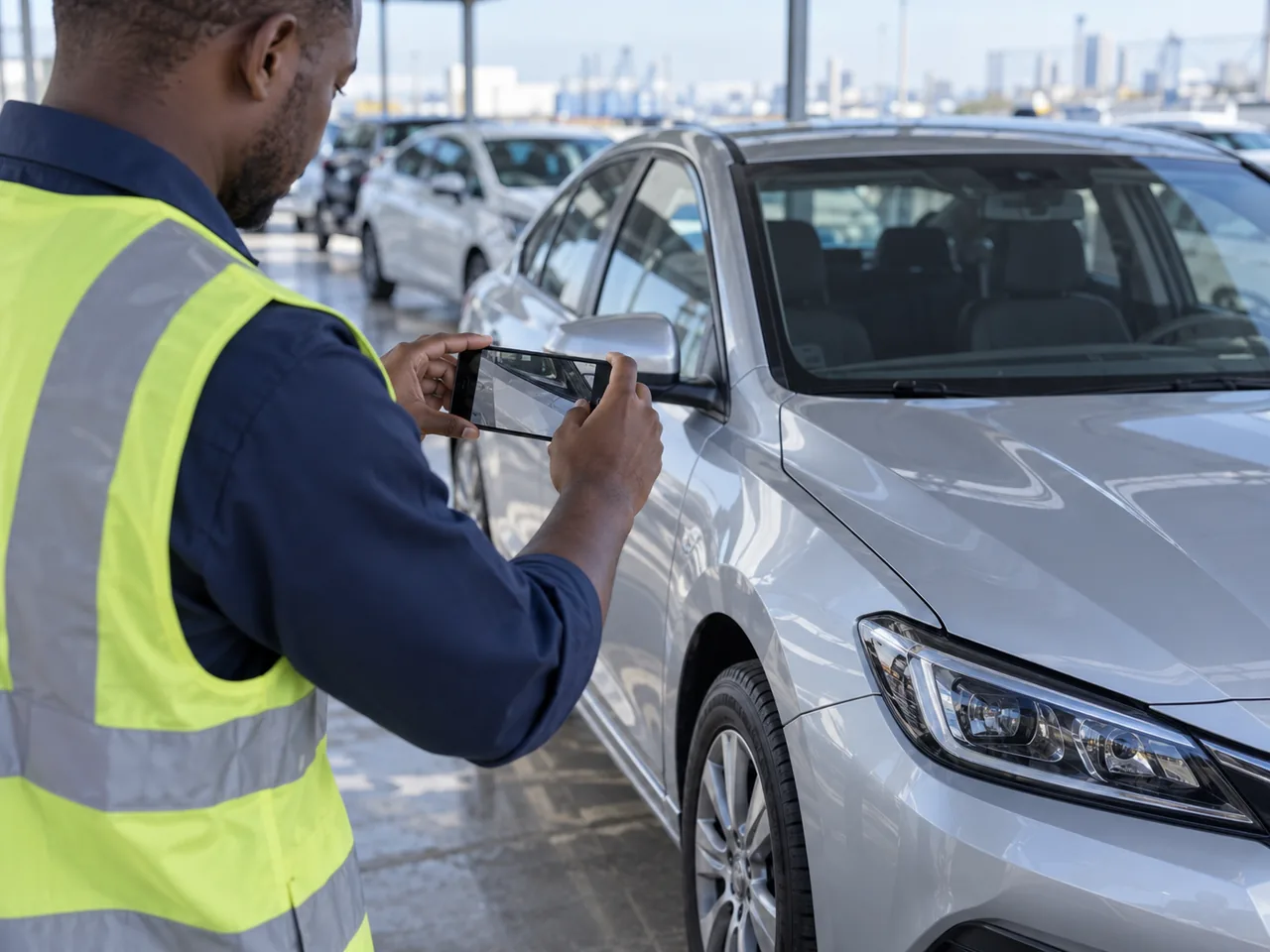
Vehicle inspection app
The next person needs more than a message saying “done”. Bring the inspection, damage observations, photos and signatures together around the vehicle.
Your operation
Explore the workflow that fits your team, from a vehicle yard to a terminal or dealer handover.
Different operations. A shared need to know the vehicle, record the work and support the next handover.
Collection checks, delivery condition and handover evidence.
Vehicle receipt, configured preparation checks and recorded yard positions.
Incoming vehicle checks, stock handovers and customer-delivery evidence.
Issue and return inspections, photos and signatures for each handover.
Intake condition, preparation steps and vehicle-release records.
Consignment work, inspection evidence and configured report sharing.
Manifest records, configured operations, tally and voyage reporting.
One operational record
Connect the cargo or vehicle, its configured work, the people carrying it out and the evidence your office needs.
Scan a VIN or enter a code against downloaded assignments. Field work is saved on the device; when connected, the operator presses Update now to send it and refresh assignments.
Explore mobile captureUse configured inspections to capture checklists, readings, damage, photos and signatures. Review vehicle history and produce inspection reports for handover.
Explore vehicle-yard workflowsVirtual Yard brings layouts, bay reservations, recorded movements and occupancy into a web workspace. Mobile yard access depends on the rollout; it is not automatic vehicle tracking.
Explore Virtual YardReview consignments, teams and reports. DigiCargo AI assists with document import and supported tasks; import is reviewed before confirmation. Export operational reports as CSV, Excel or PDF.
Explore operations and reportsMake the fit practical
A receiving inspection. A transporter handover. A release from your yard. Bring the people and evidence involved, then follow that work through the app.
Identify its vehicle list, people, checks and handover points.
Review field devices, downloaded work, evidence and office reports.
Confirm configuration, access and pricing. Assess any system connections separately.
Before we talk
Clear expectations make for a better demonstration.
No. The Stevedoring App serves ports, stevedores, bulk and breakbulk terminal teams as well as finished vehicle logistics. The shared workflow connects consignments, configured operations, assigned teams, field records, incidents and reports. Vehicle workflows add VIN identity, condition inspections and handover evidence.
Yes, for teams seeking a subscription-based alternative for end-to-end cargo operations. Demonstrate your actual workflow and compare the configured subscription, setup, devices and any integration work against a like-for-like TOS proposal. Specialist mass-balance, weighbridge, customs or ERP requirements need a separate assessment; they are not assumed to be included.
Field teams work from downloaded assignments and save capture locally. When connected, the operator presses Update now to send saved work and refresh assignments. Review the intended workflow and field devices in your demo.
Virtual Yard supports layouts, reservations, recorded movements and occupancy; it is not automatic vehicle tracking. Mobile yard availability depends on the release and organization access.
Operational reports can be exported as CSV, Excel or PDF. Direct system connections need a separate assessment. Bring your current systems and data-exchange requirements to the conversation.
Start with one handover or inspection process, an anonymised checklist and the report your office needs. We will walk through the product fit, device requirements, configuration and pricing. Requesting a demo does not book a meeting automatically.
The Stevedoring App
Bring a port call, cargo operation or vehicle handover. We will walk through the end-to-end record, the evidence you need and the setup involved.
A conversation about your operation. No meeting is booked until agreed.
Map your cargo or vehicle workflow and the people involved.
Follow the work from preparation through field capture to reporting.
Compare subscription, setup and integration requirements.