
Digital tally & field capture

Record the cargo. Keep the evidence.

Give port, terminal and vehicle-handling crews a clear process for recording cargo units, required checks and exceptions. Connect field evidence to the consignment and operation the office needs to review.

Offline cargo tally, VIN capture and configured inspections

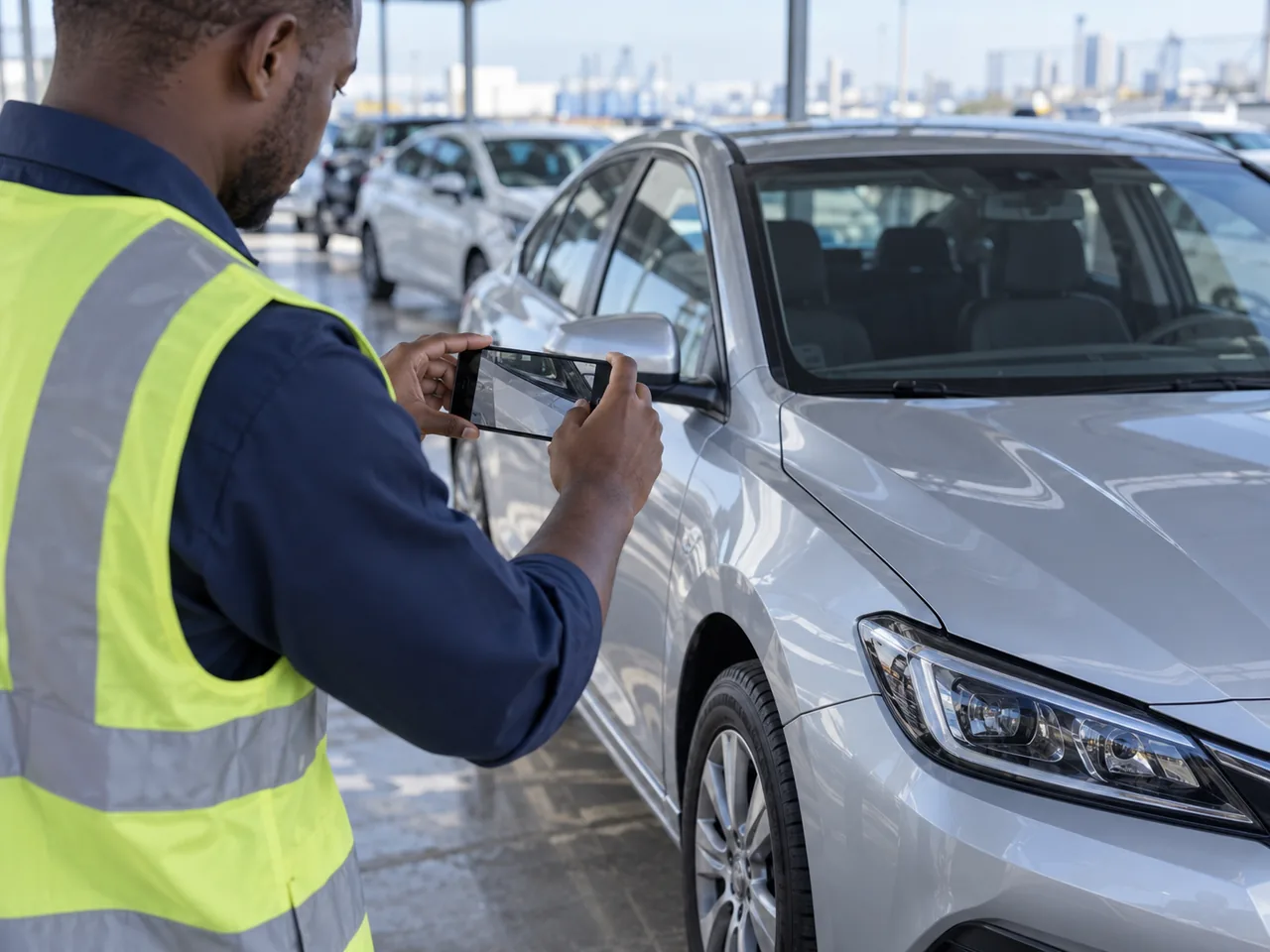
A vehicle inspector uses a phone to photograph a car's condition at a handover bay.
Illustrative image · not a customer site or product screenshot
  • Identify the unit

    Scan or enter the configured cargo-unit identifier, including a VIN for vehicles, against downloaded work.

  • Complete the required steps

    Follow the configured operation, record checklist responses and capture inspection evidence where required.

  • Save on the device

    Downloaded assignments support local field capture without a network connection.

  • Review the evidence

    Review received records and incidents, then export operational reports by consignment and operation.

How the product helps

A digital tally shaped around the actual work

Configure the cargo identifier, work steps and required evidence for the operation. A field recording belongs to the consignment and operation the worker opened, so the office can review unit progress in context.

The tally follows identified units and their recorded work. Checks and incident evidence add context when the operation does not go to plan. This is recorded-unit tally, not a substitute for a weighbridge or commodity mass-balance system.

Illustrative workflow · not a customer record
A defined field workflowWORKFLOW
Identify
Configured cargo identifier or vehicle VIN
Work context
The consignment and open operation
Complete
Configured steps and required evidence
Update
Saved on device → Update now → office

Field capture uses downloaded work, without a network request.

Built around the work

A vehicle inspection app within the same field workflow

For vehicle work, connect VIN identification and digital tally to the configured condition inspection. The inspection template defines checklist answers, readings, condition photos, damage observations and signatures.

After the operator sends saved work with Update now, office users can review received evidence and generate a branded vehicle condition report PDF. Inspection records support the handover; they do not determine liability or replace an independent mechanical assessment.

Built around the work

An explicit field-to-office handoff

Download assigned work before entering the field. Scans and completed work are saved locally; a local lookup miss is shown immediately.

When a connection is available, press Update now to send saved work and refresh assignments. The application distinguishes work saved on the device from work received by the server.

Built around the work

Measure the result in your own operation

A demo should use your cargo identifiers, field devices and required steps. Check how operators handle a normal unit, a missing identifier and an exception.

Agree what to measure in a pilot, such as repeated entry, missing evidence and time spent preparing a report. No fixed speed or savings percentage is assumed.

Before you get started

The questions worth asking.

Confirm the workflow, devices and access your team needs. We will work through the fit with you.

Access and evidence controls
Can operators type an identifier?

Yes. Manual key entry is available alongside scanning. Identification uses the downloaded working set during live capture.

Which scanners can we use?

The app has camera and supported rugged-scanner paths. Bring the exact device model and Android or iOS version to the demo so compatibility can be checked.

Does work upload automatically when coverage returns?

No. The operator presses Update now while connected to send the saved work and refresh assignments.

Your workflow, on screen

Try the recording flow your team actually needs.

Bring a sample cargo or vehicle list, the evidence you need and the devices your team uses. See the record from capture to office review.